 Room Planner
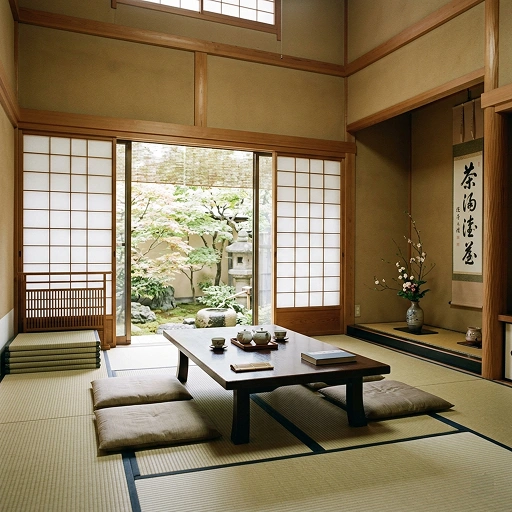 Japandi
AI home design for iPhone
See your dream space before you renovate.
Snap a photo of any room, kitchen, patio or garden and watch it transform into a realistic new design in seconds. No measuring. No design skills.
Download on theApp Store
Free to try · No account needed
- 10+Design tools
- ~30sPer redesign
- 0Data collected
 Japandi
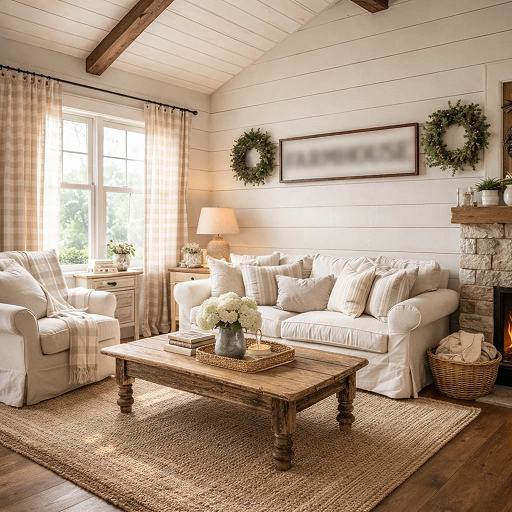 Farmhouse
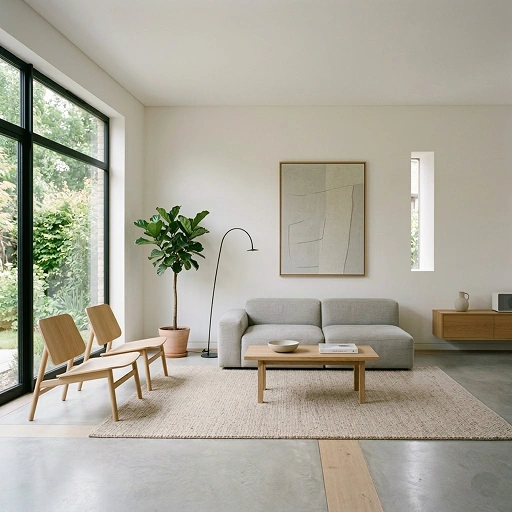 Minimalism
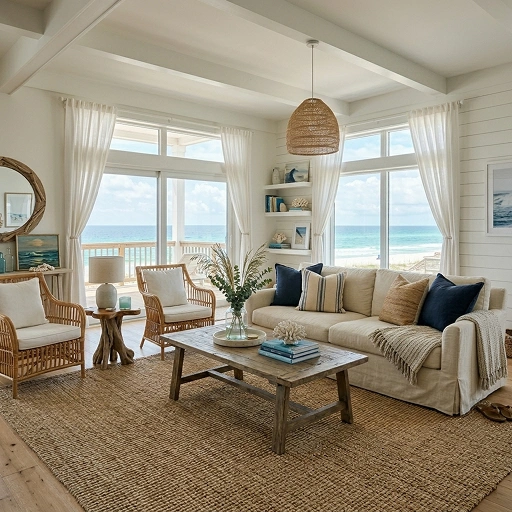 Coastal
 Mediterranean
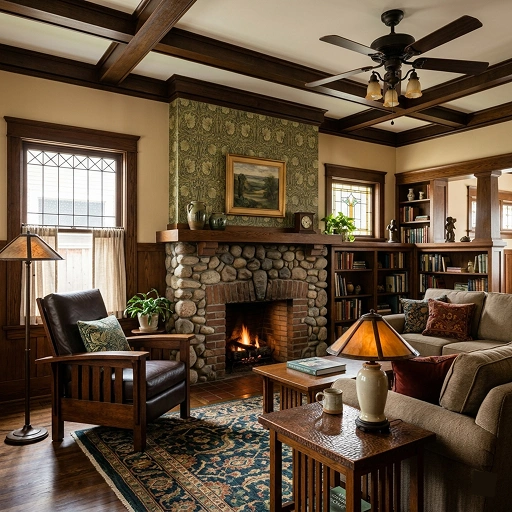 Craftsman
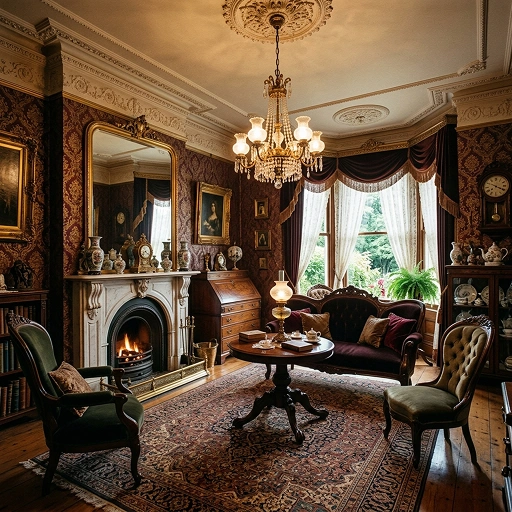 Victorian
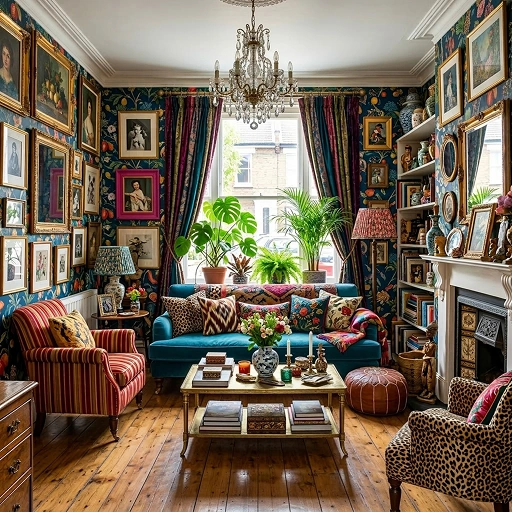 Maximalist
How it works
From photo to plan in three taps.
No measuring tape, mood board or design software. Just a room you want to love more.
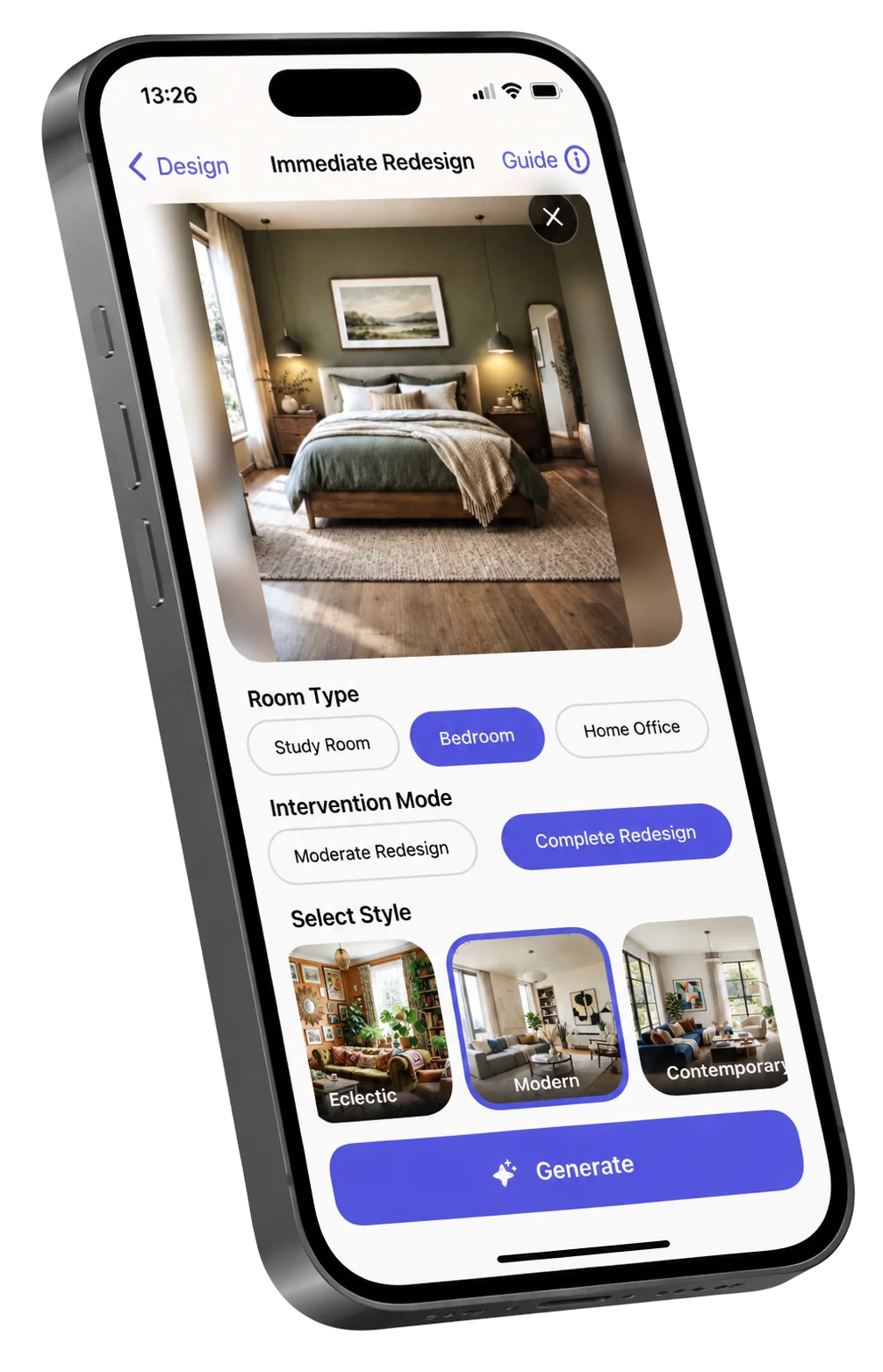
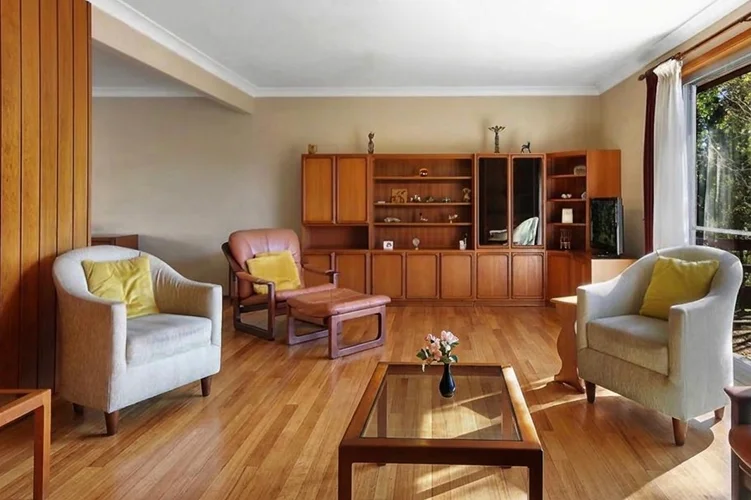 Start with a photo
Snap your space
Photograph any room as it is. Empty or lived-in, both work beautifully.
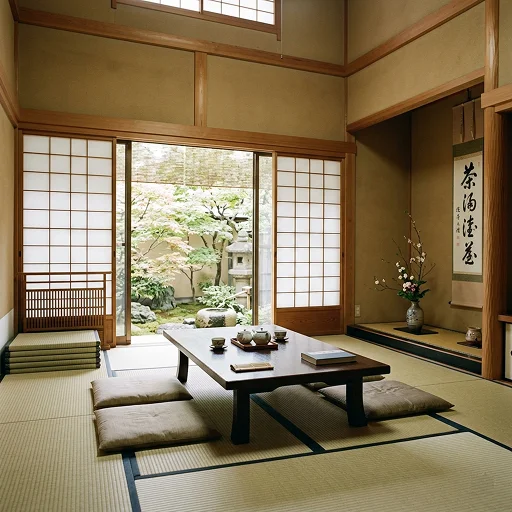 Pick a look
Choose your style
Explore styles, change finishes or add a reference image to guide the result.
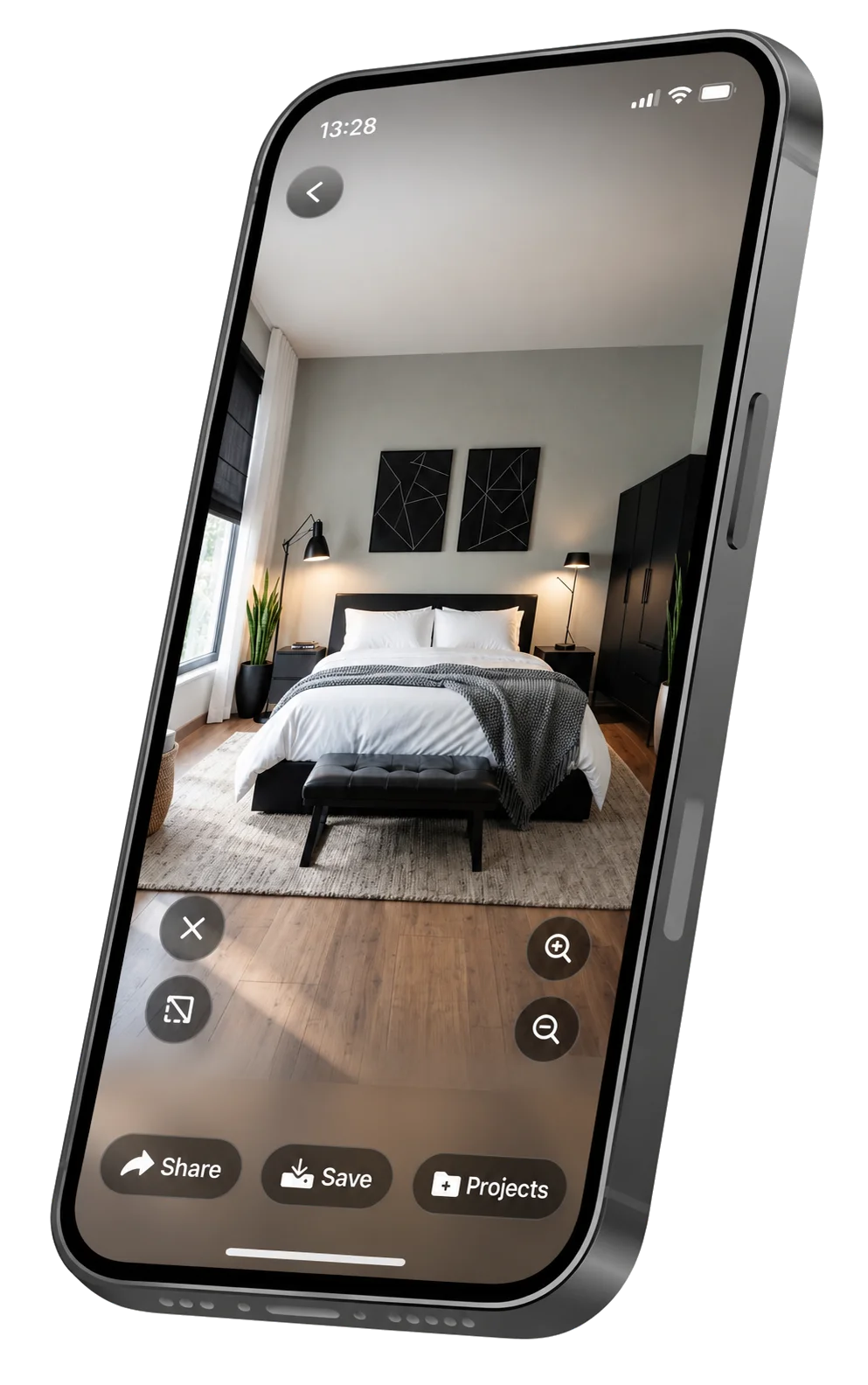
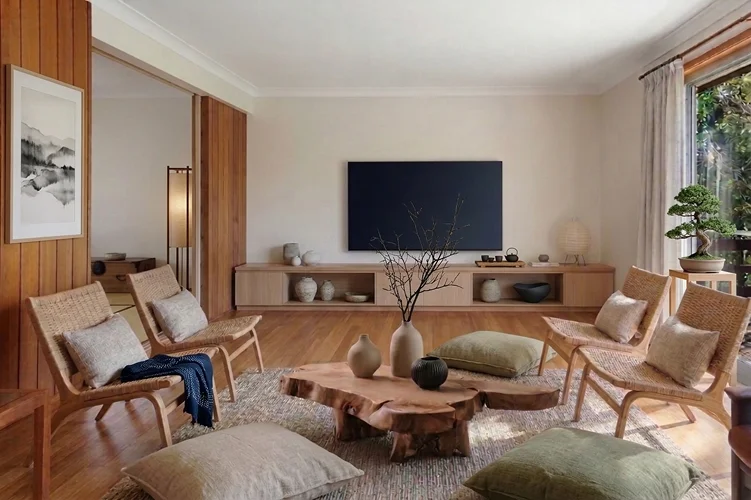 About 30 seconds
See the wow
Compare realistic concepts and keep experimenting until your new room clicks.


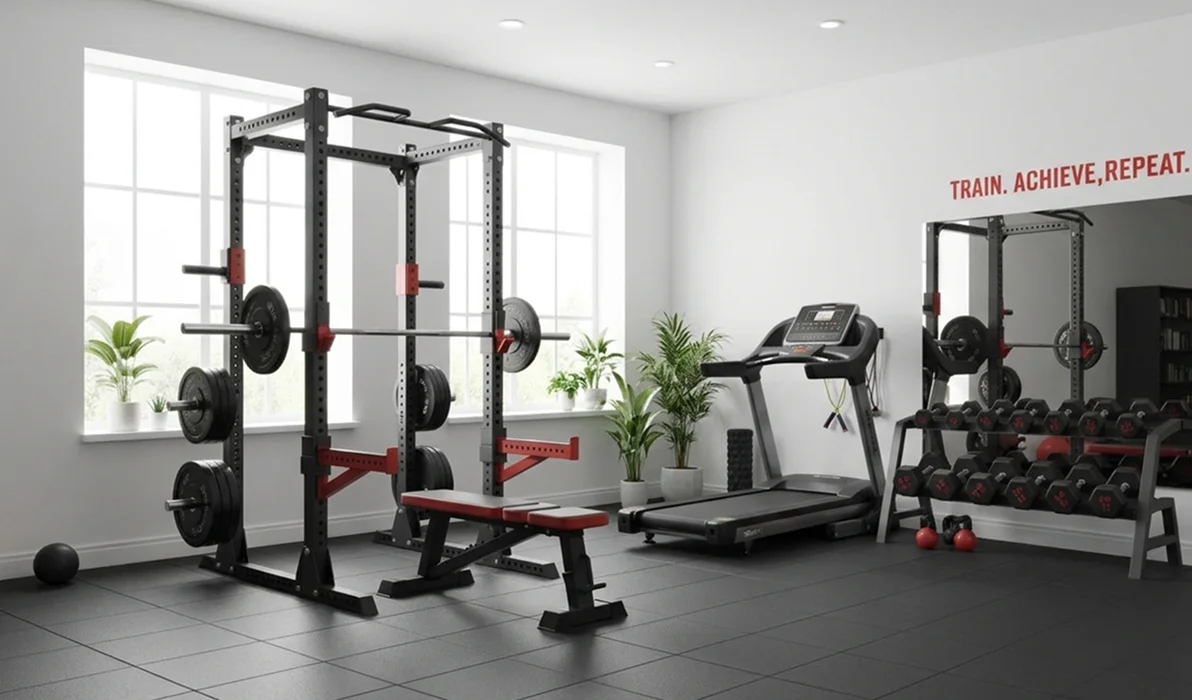

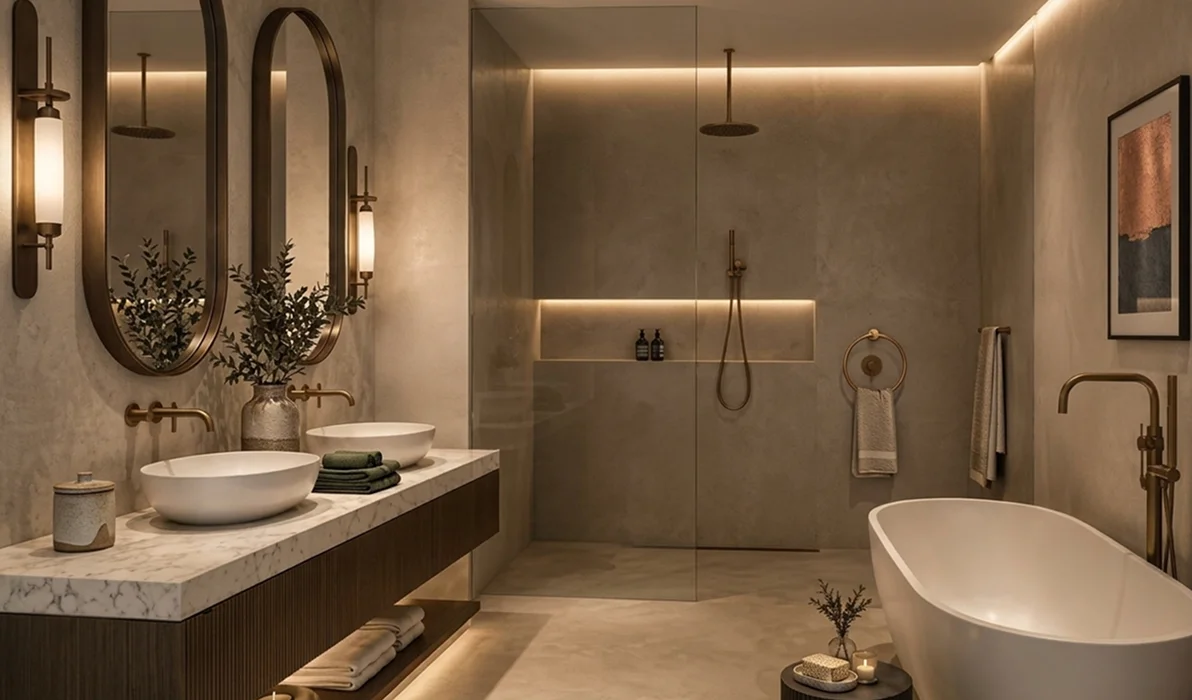
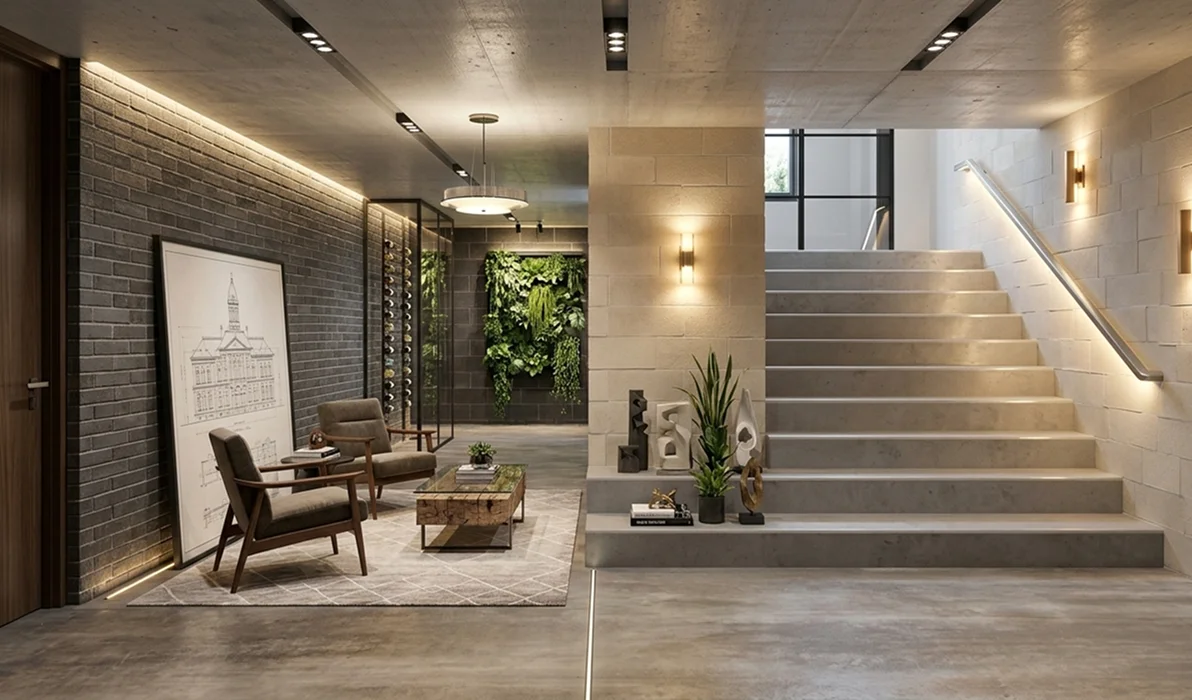
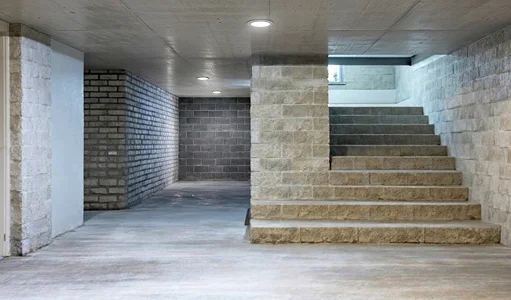
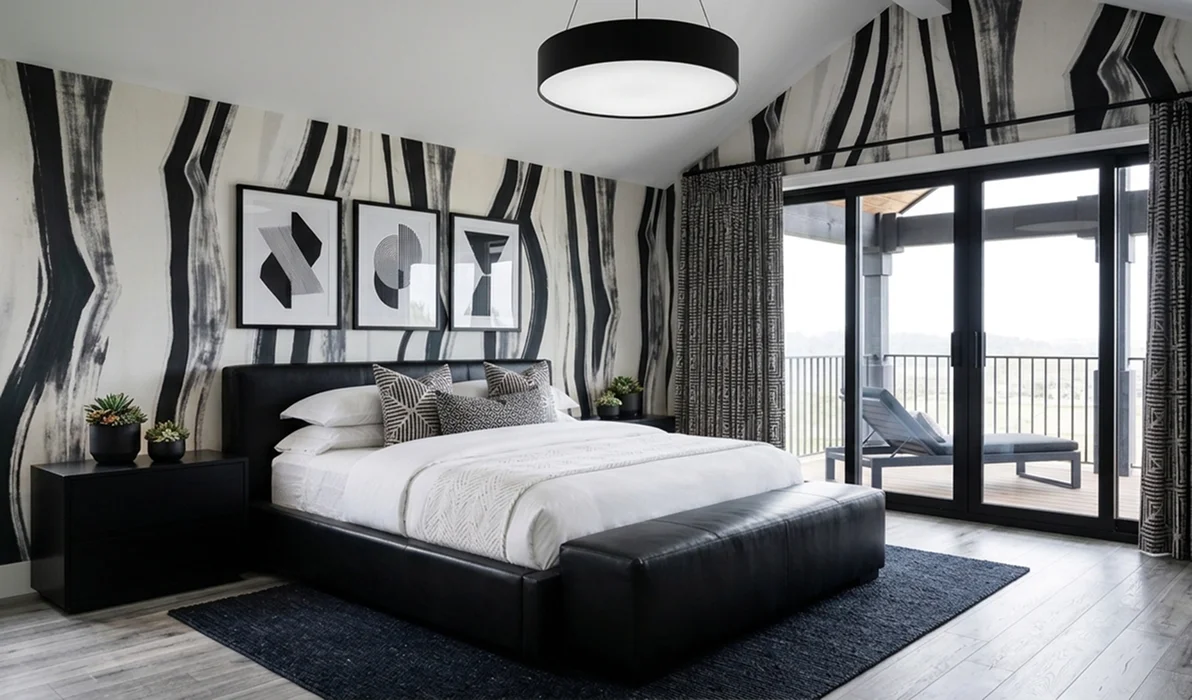
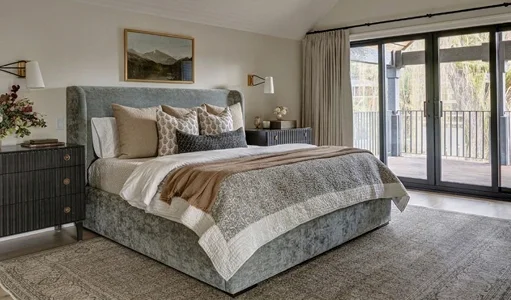
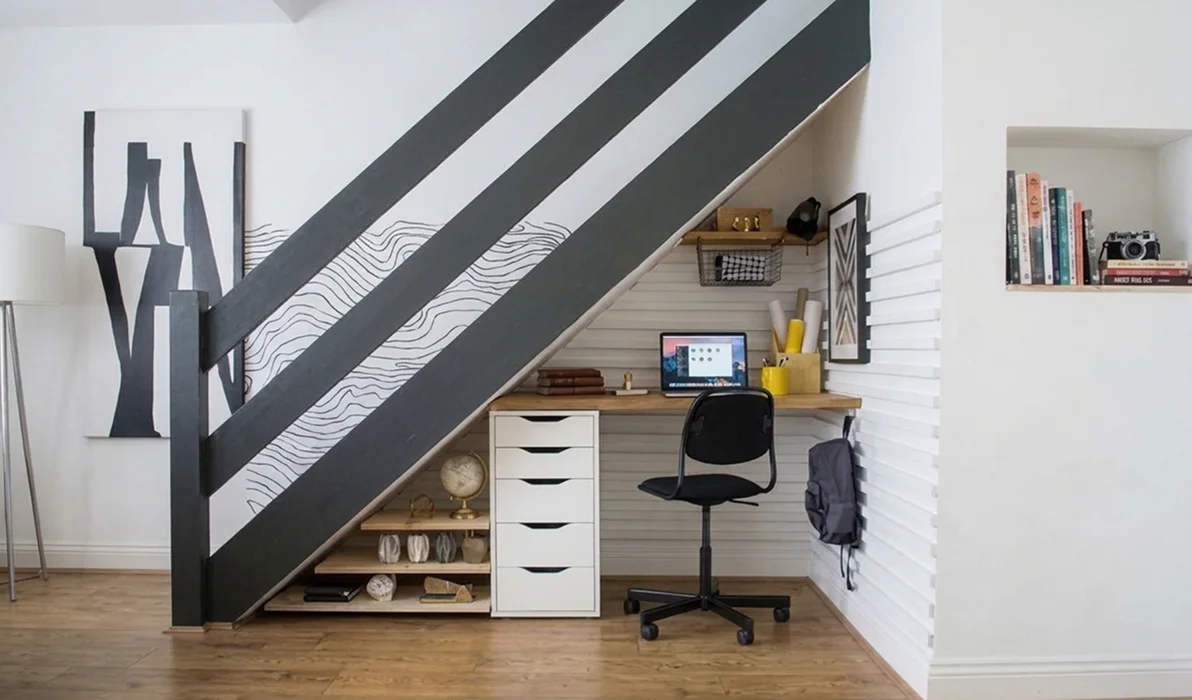
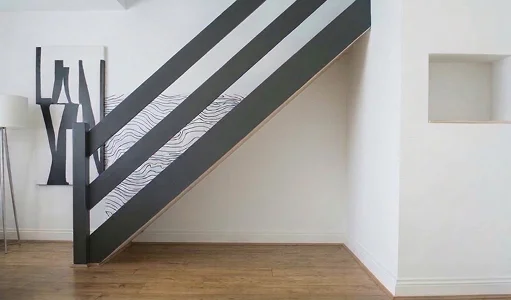
Your AI design toolkit
Tools for every part of the project.
Change individual elements or rethink the whole space, with your original photo as the starting point.
Full Redesign
Transform your room with a completely new look in seconds.
Change Style
Change the style of your room by updating furniture, colors, and décor.
Cleanup room
Clean up your room by removing unwanted items and clutter.
Exterior, Patio & Garden
Reimagine the outside of your home and outdoor living spaces.
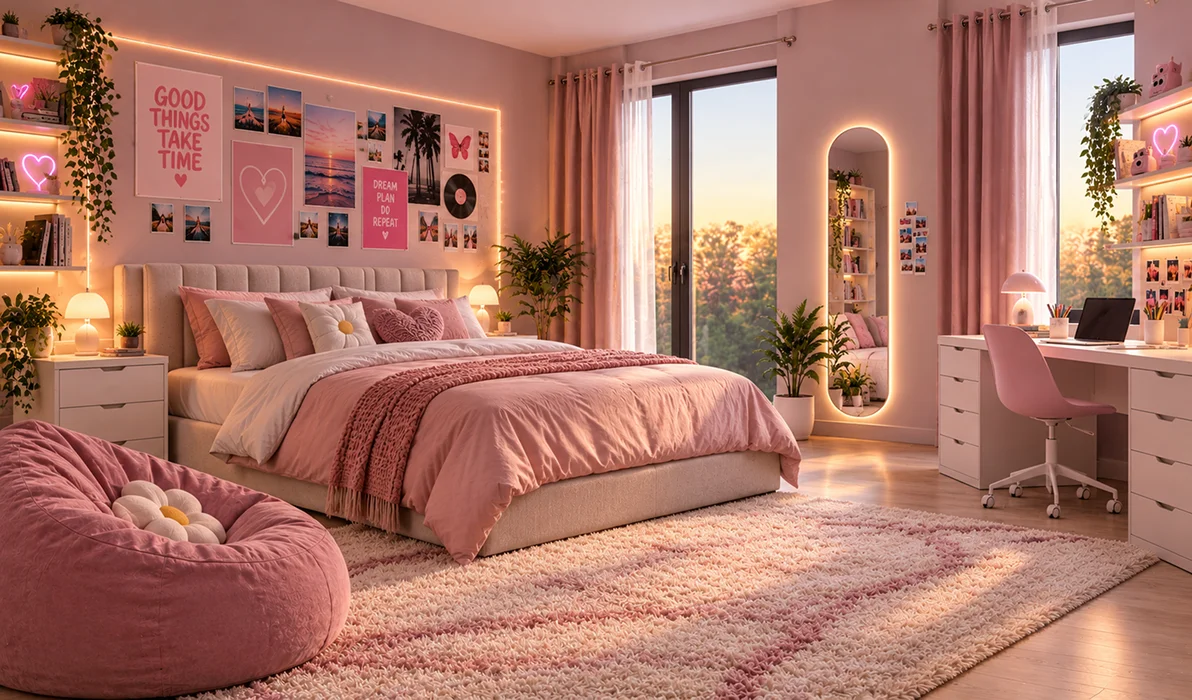
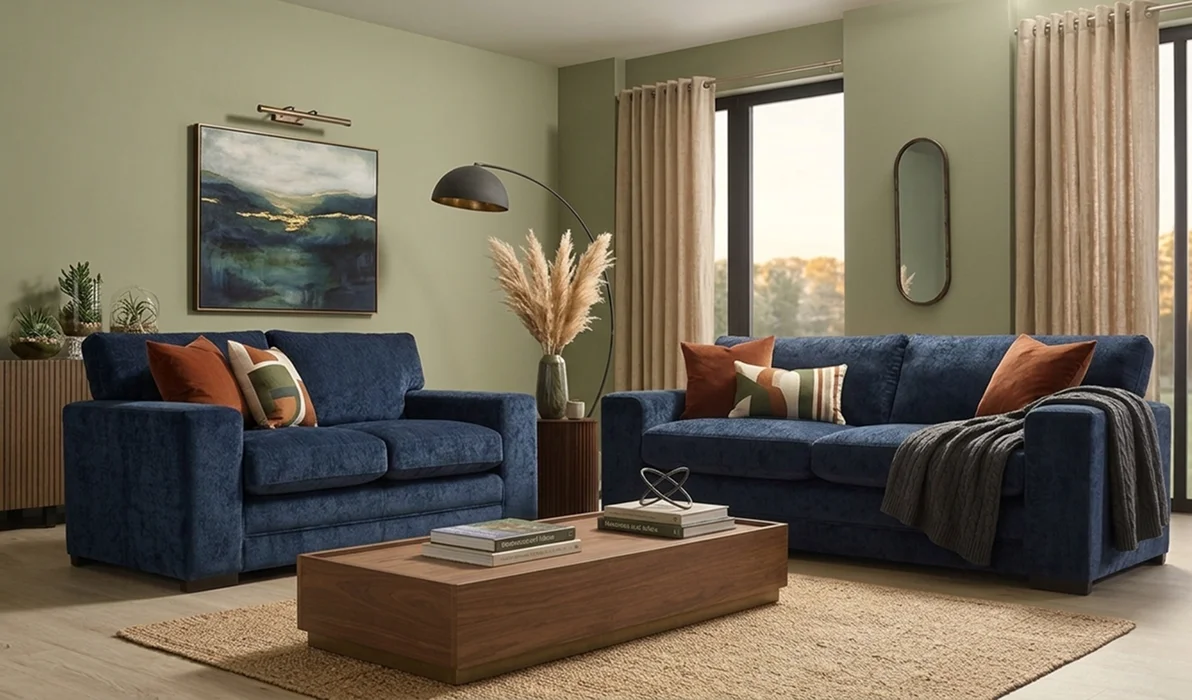 Before
After
Before
After
Testimonials
What users say about Room Planner.
Real rooms, real decisions made before a single purchase.
We saw our farmhouse with a brighter exterior and welcoming patio before renovation began. Trying the ideas first helped us feel confident about the changes.

Dana
Homeowner
I planned a home gym in my spare room before buying equipment. Testing different layouts made it easy to find space for everything.

Marcus L.
Fitness enthusiast
This application has transformed my workflow. I can explore styles, visualize a room quickly, and share polished concepts with clients in minutes.

Priya Sharma
Interior Designer
I use Room Planner to test colors, finishes, and furniture layouts before work begins. Clients can see the plan clearly and make decisions with confidence.

Tom Smith
Renovation Contractor
Perfect for creating staging concepts. I can produce consistent room layouts quickly and help clients see the potential in every space.

Lena K.
Home Staging Professional
Room Planner has been a game changer for my property projects. I can create professional interior concepts in seconds and help listings stand out.
Use cases
Save time, cut costs and move faster.
Visualize ideas instantly instead of spending weeks searching, planning or rendering.
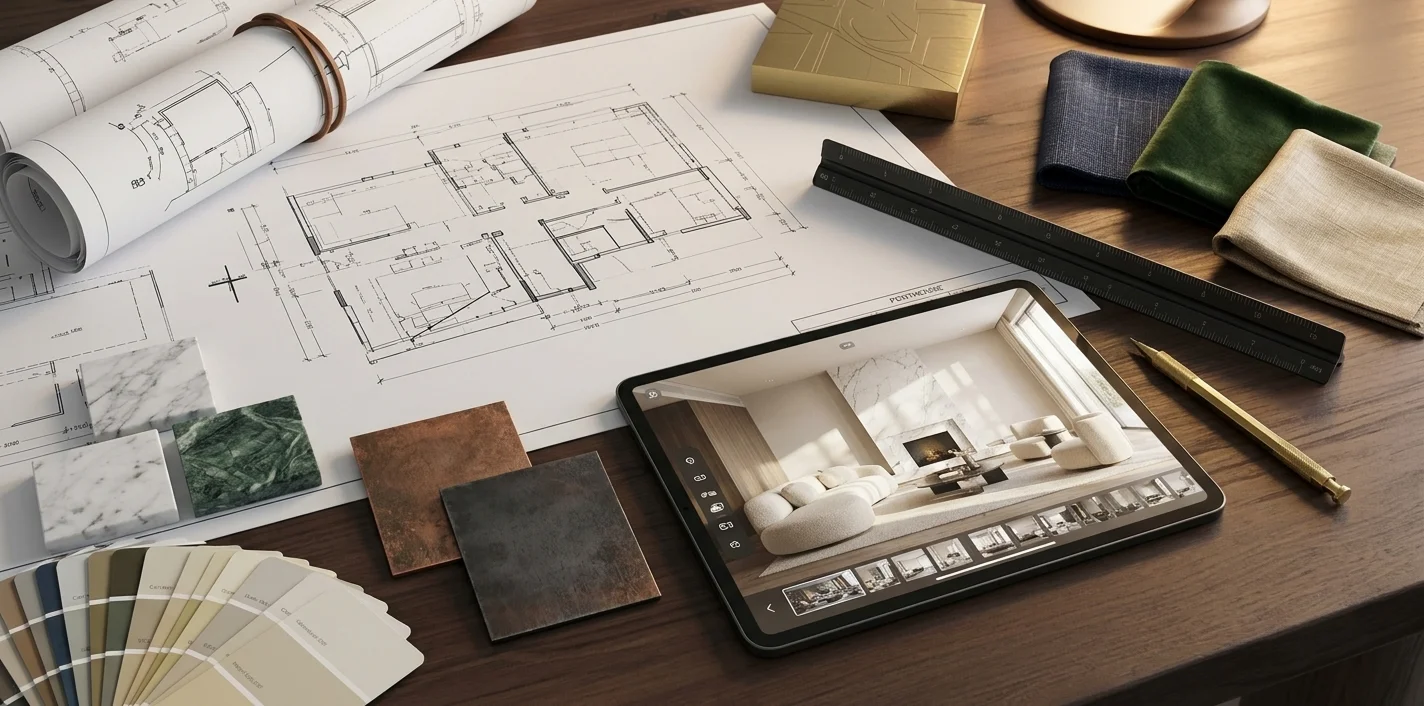
Interior designers
Skip hours of hand-drawn mockups. Generate fresh concepts in seconds and find inspiration exactly when a project stalls.
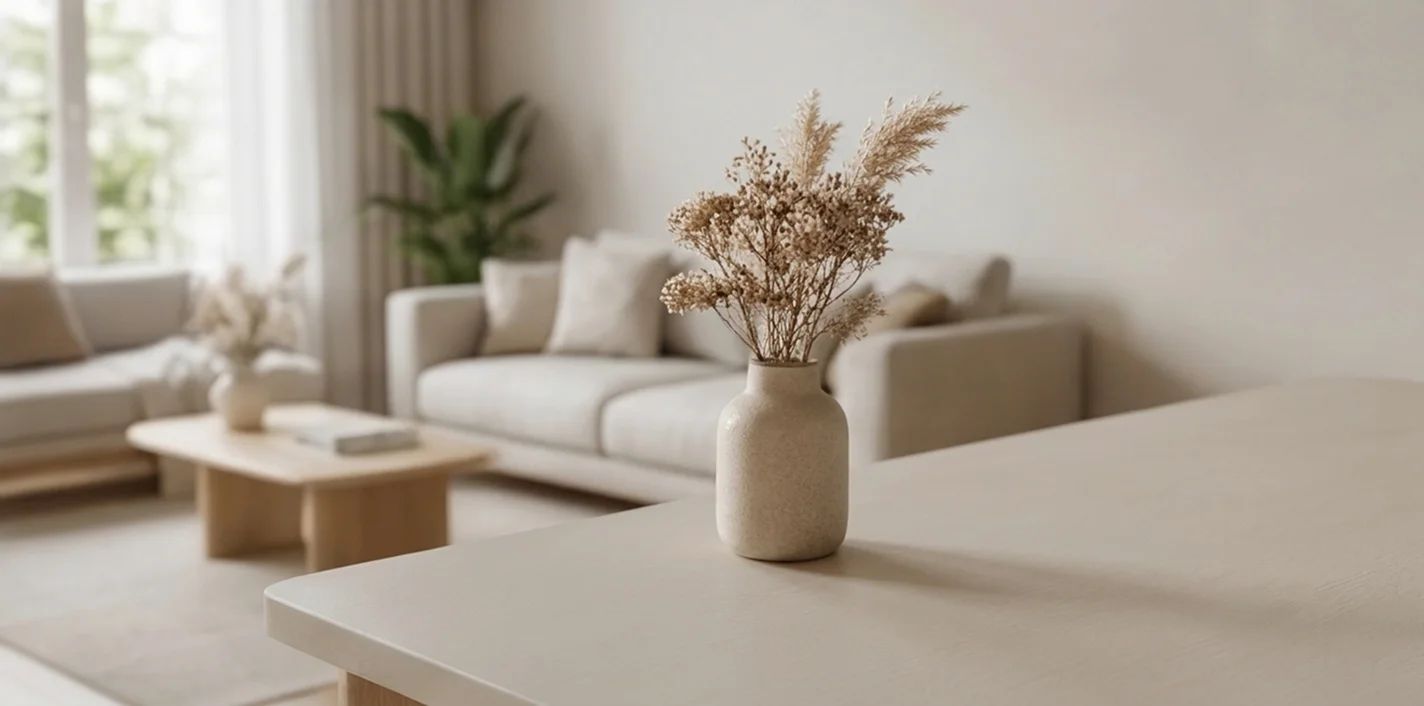
Homeowners
Room feeling tired or due for a renovation? Try new looks on your actual space and decide with confidence before spending a cent.
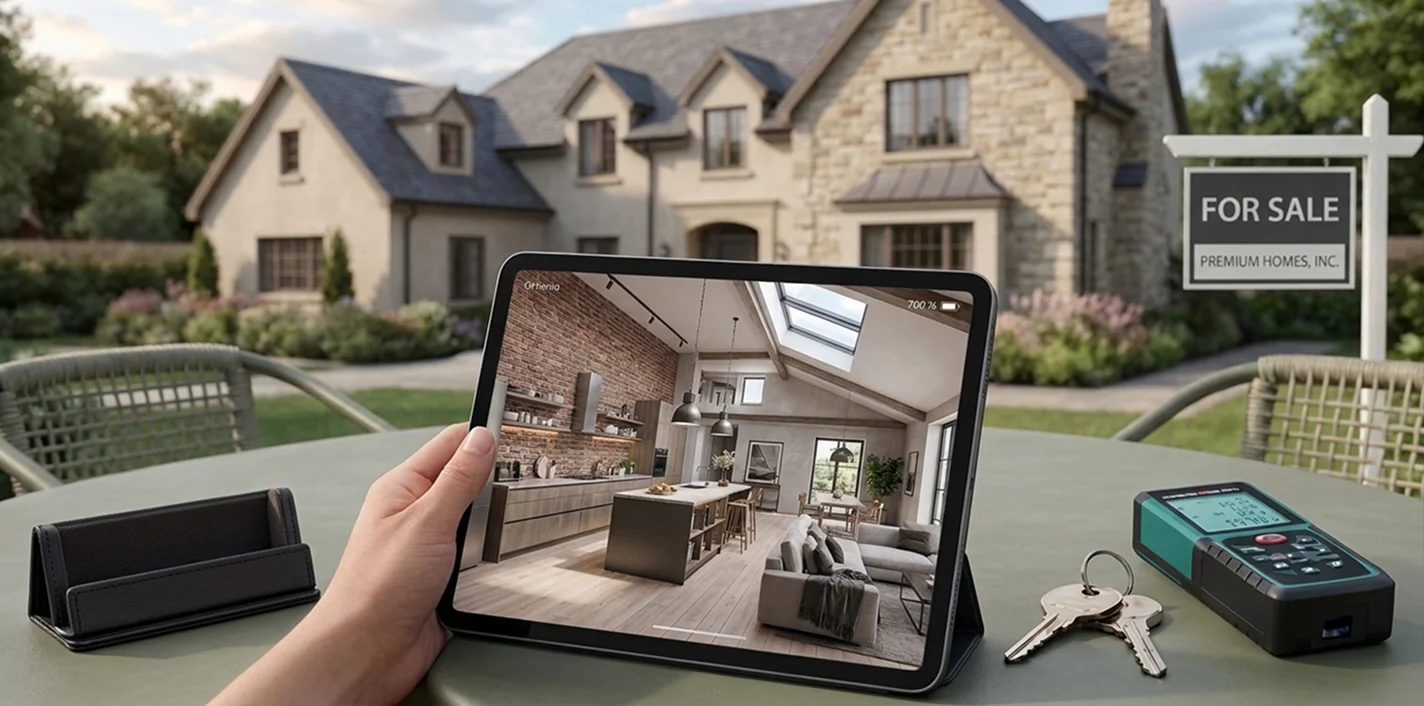
Real estate agents
Show the best version of a listing, or redesign rooms live during viewings so clients can picture the space as their own.
Good to know
Questions before you download.
What is Room Planner & Decor Home AI?
An iPhone app that uses AI to redesign rooms, kitchens, patios, exteriors and gardens from a photo of your space.
Is it free?
The app is free to download and try. Some features are available through optional in-app purchases.
Do I need to measure anything?
No. Upload a photo, choose a direction and the app generates a visual concept for you.
Which devices are supported?
iPhone with iOS 15.1 or later.
Does the app collect my data?
According to the App Store listing, the developer does not collect any data from this app.
Can I try Room Planner for free without signing in?
Room Planner is free to download and try on iPhone. Some features are available through optional in-app purchases. Check the app's sign-in prompt for any account requirements for a specific feature.
Can I use AI to design a small room?
Yes. Upload a photo of a small room and explore AI-generated looks for its colors, furniture, and layout. Compare ideas before making changes to your space.
Do I need design experience?
No design background is needed. Start with a photo, choose a style or tool, and explore visual concepts until you find a direction you like.
Does Room Planner work for apartments?
Yes. Try ideas for apartment rooms such as living rooms, bedrooms, kitchens, and bathrooms using photos of your own space.
Can I design my living room and other spaces?
Yes. Explore designs for living rooms, bedrooms, kitchens, and other indoor rooms, as well as patios, exteriors, and gardens.
Meet the room you’ve been picturing.
Download free and turn one photo into a design you can finally see.
Download on theApp Store